 Shoupapp
Seasonal product photos keep a store from looking the same in October as it did in June. The product does not change, but the light, the setting and the mood around it do. This article shows how to plan seasonal images across the year and walks through one example: a navy steel water bottle with a bamboo lid, taken from a plain catalog photo to an autumn scene and a five second video, without a new photo shoot.


What seasonal product photos are for
A seasonal image places a product in the context of a time of year. It answers a shopper's unspoken question: is this for me, right now? A water bottle on a sunny beach says summer. The same bottle on a terrace in low autumn light says cooler days, long walks and the return to routine.
Seasonal photos belong where mood sells:
- the hero image on your homepage and category pages
- email headers and newsletters
- paid social ads and stories
- campaign banners for a sale or a launch
They do not replace the main image on a marketplace listing. Most marketplaces still expect a plain product photo there, so keep your clean cutouts as the base and treat seasonal scenes as a layer on top.
Plan the year around selling moments
A useful seasonal plan starts with the moments when your customers buy, not only with the calendar. For most product stores, the year breaks into a handful of moments, each with its own look.
- Back to school and back to work: desks, bags, early mornings, clean light.
- Autumn: low golden sun, warm wood, dry grasses, knitwear textures.
- Black Friday and the gifting season: darker backgrounds, gift wrap, warm lamps, festive color accents.
- New Year: fresh starts, gyms, planners, bright and airy scenes.
- Spring: soft daylight, pale colors, plants and open windows.
- Summer: strong sun, water, sand, outdoor tables.
Prepare each set a few weeks before the moment starts. Seasonal images that arrive in the middle of the season have already missed part of it.
Build an autumn scene that fits the product
The best seasonal scenes borrow from the product itself. In the example, the bottle has a bamboo lid and a bamboo base, so the scene uses a warm wooden beam, a pale stone wall and dry grasses in the background. The low sun comes from the side and draws a long, soft shadow across the terrace floor. Nothing in the scene competes with the bottle.
The scene was made with an AI product photo background generator, in a 9:16 vertical format for stories and short video feeds. A few rules that make autumn scenes work:
- Use warm, low light, but keep the product's own colors true.
- Echo one material of the product in the setting, such as wood, wool or leather.
- Keep the background soft so the product stays the sharpest thing in the frame.
- Avoid holiday symbols in autumn sets, so the images can run for the whole season.
Always compare the scene with the original photo. Here, the carry loop on the lid came back a darker, almost black navy, while it is a lighter blue on the real bottle. For a mood image that is acceptable; on a product page, show the real color.
Start every season from one clean cutout
Seasonal work is fastest when every product already has a transparent cutout. A bulk background remover produces that cutout once, and every season after that reuses it. Autumn, gifting and summer scenes all start from the same file, so the product looks identical in each one.
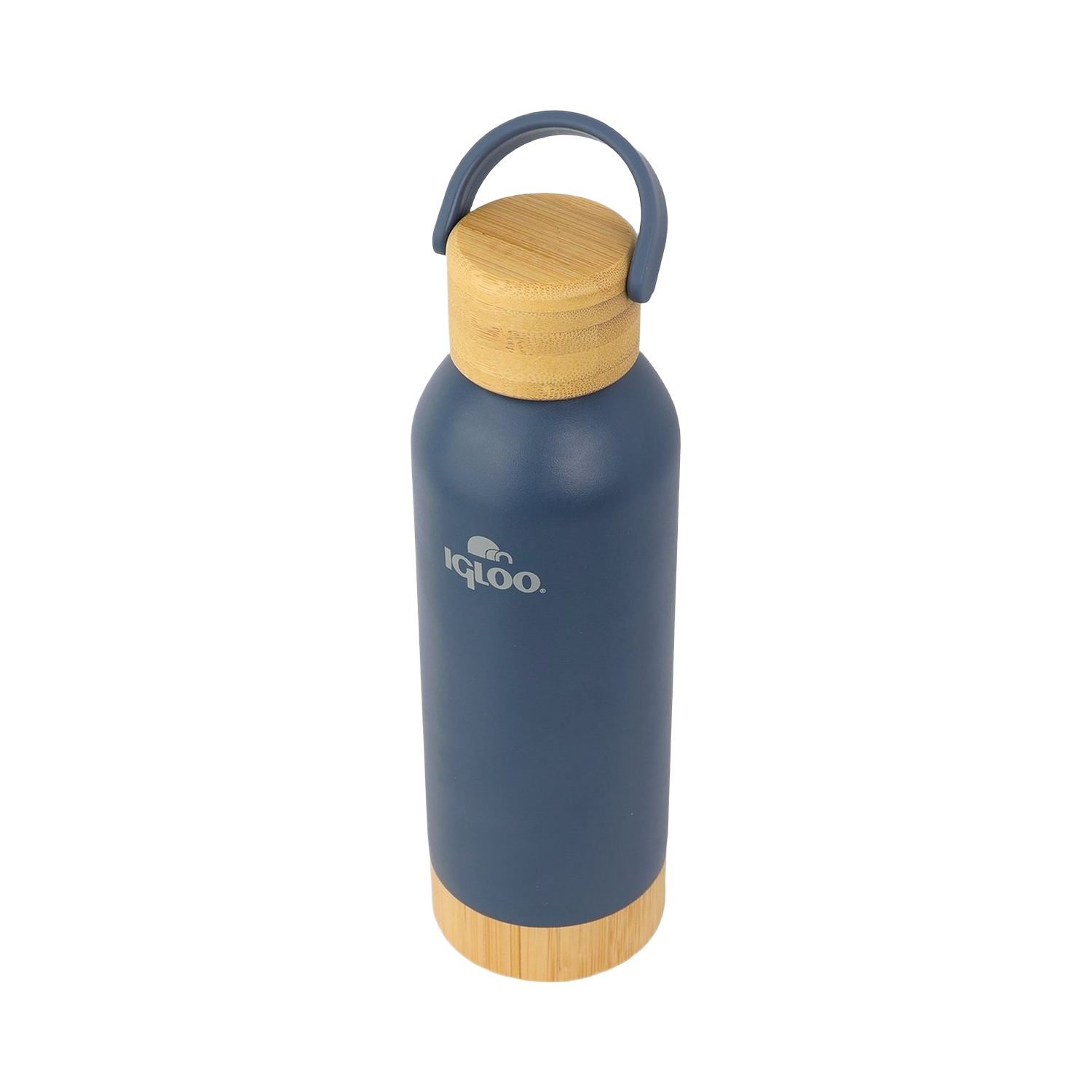
If the original photos vary in color or exposure, run an AI product photo enhancer before the cutout. A range that starts consistent stays consistent in every season.
Add motion to the season's campaign
From the autumn scene, an AI product video maker produced a five second vertical clip. The camera moves gently between a wider and a closer view of the bottle, while the warm light stays on the terrace. It is short enough for a story and calm enough for the top of an email or a landing page.
For a sale, the same scene can go into an AI product banner maker, which adds the headline and the offer in the format each channel needs.
Refresh a whole range on a schedule
One seasonal scene is a nice test. A full range needs a routine:
- Pick the moment and the launch date, then count back three to four weeks.
- Choose the products that will carry the campaign, usually the best sellers and new arrivals.
- Create one scene per product from its existing cutout, using the same seasonal preset.
- Review every scene against the original photo, checking colors, logos and small parts.
- Turn the strongest scenes into short videos and banners.
- Save the steps as a rule in bulk image processing, so new products added during the season get the same look.
Switch back when the season ends
A seasonal image that stays up too long looks neglected. Plan the end date at the same time as the start date. Your originals are never overwritten, so switching the site back to its standard images is a matter of choosing the files again, not rebuilding them.
Keep each season's set. Next year, you can reuse the best scenes, update only the new products and start the campaign earlier. Costs per image are on the pricing page, and every tool mentioned here is on the products page. The best test is your own range: see it on your catalog.
Seasonal photo questions, answered
Do I need a new photo shoot for every season?
No. If each product has one sharp catalog photo, a clean cutout can be placed into a new scene for each season. The bottle in this article went from a plain catalog photo to an autumn terrace scene without a new shoot.
Should seasonal images replace my marketplace main image?
No. Most marketplaces expect a plain product photo as the main image. Use seasonal scenes on your own store, in email, in ads and on social media.
How early should I prepare seasonal product photos?
Three to four weeks before the moment starts. That leaves time to review every image, build banners and videos, and schedule the campaign.
How do I keep the product accurate in a seasonal scene?
Compare every scene with the original photo. Warm light can shift colors, and small parts such as loops, caps and logos can change. Keep the real colors on the product page.