 Shoupapp
AI photo enhancer
Enhance product photos with AI: upscale, unblur and add new angles
Fix the photos your catalog already has. Make small supplier images sharp enough to zoom, rescue a blurry shot, create the back or side view you never photographed and clean up details — without a reshoot.
Why teams choose Shoupapp
Up to 1,500 photos per run
Send a whole folder at once, or let an automation run it on every upload, every day, week or month.
See bulk & automationReady-made settings
Pick plain options or a saved preset. We set the AI up behind them, so there is nothing to write.
Plans from $59 a month
One credit balance for every tool, and each tool’s price is on its page. A failed job gives its credits back.
Photo and video editors
Finish any result in the built-in editors, with your library already inside. No extra subscription.
Most catalogs have the same gaps: supplier photos that are too small, a shot that is slightly out of focus, a product with only a front view, a price sticker nobody noticed. Each one used to mean a reshoot or an hour of retouching. Here each one is a single choice on a photo you already have, and the result is saved as a new file next to the original.
Upscale small photos to 2K
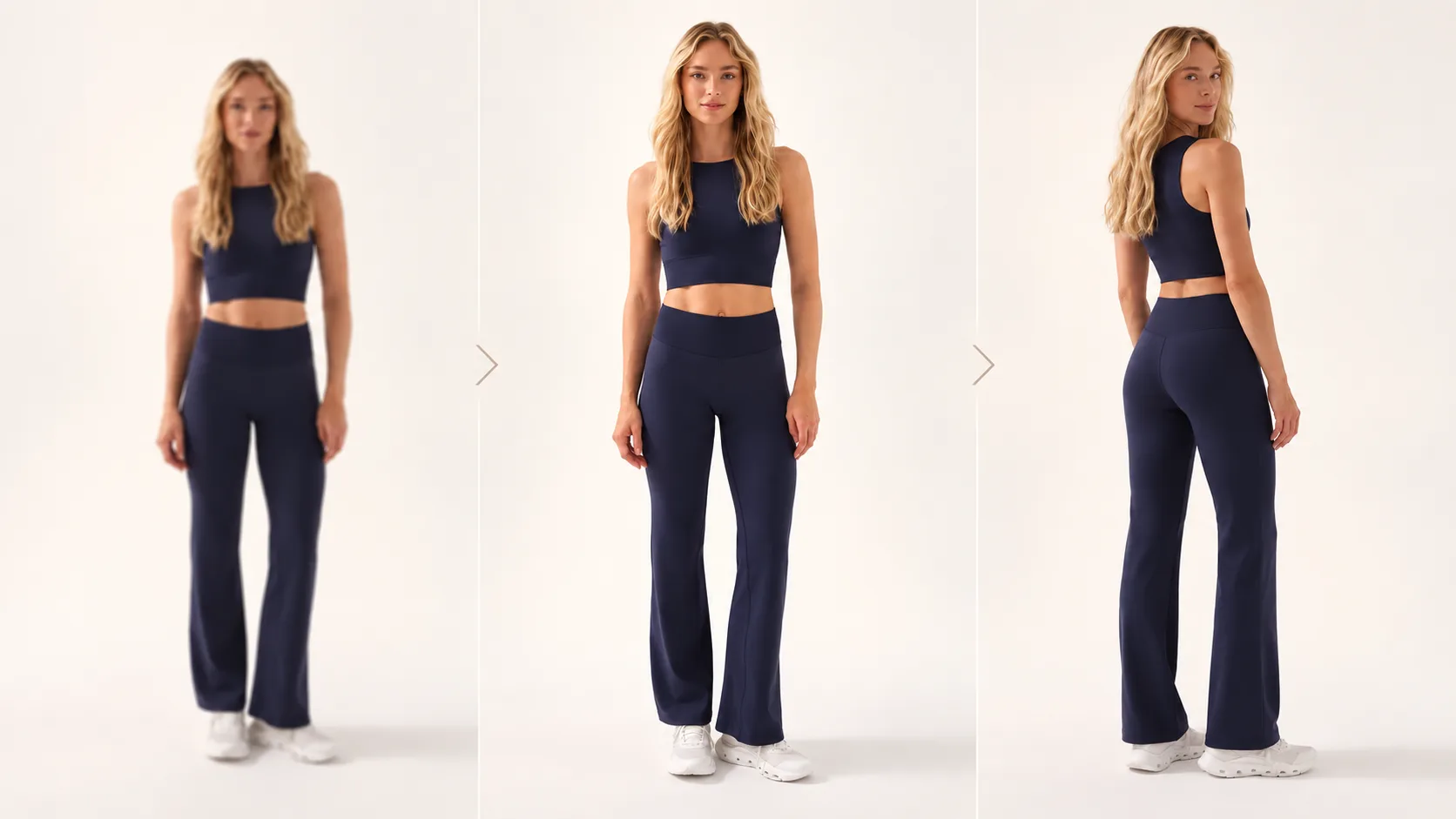
Supplier photos are often too small for a zoomable product page. Upscale them to about 2,048 pixels on the long edge with sharper detail, instead of a stretched blur.
Unblur soft or shaken shots
Rescue a shot that is slightly out of focus or shaken instead of booking a reshoot.
New angles from one photo
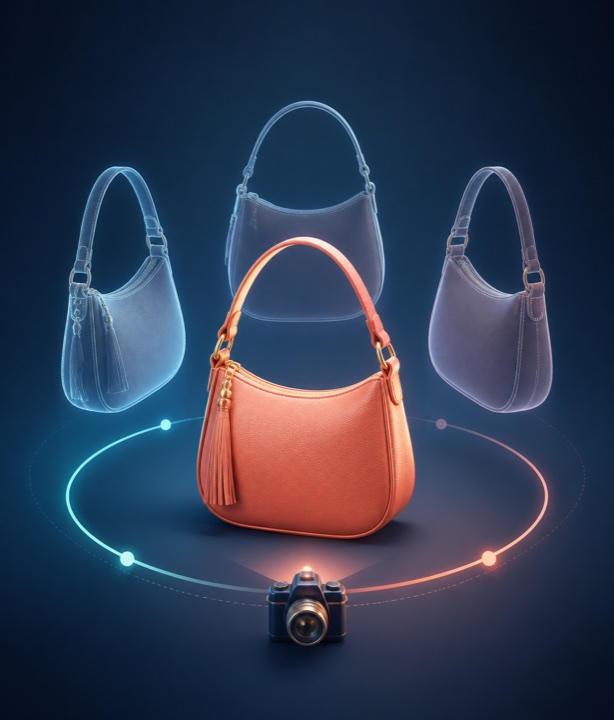
Only have a front shot? Create the back, the left and right profiles, three-quarter views or a top-down view of the same product — several at once — at the ratio your listing uses.
Fix details with one sentence
For one-off fixes — remove a price sticker, change a color, clean up a surface — describe the change in plain words, the way you would ask a retoucher. No special prompt tricks.
Which fix for which photo?
- Too small to zoom: upscale it to 2K.
- Soft, shaken or slightly out of focus: unblur it.
- Only a front view: add the back, the sides or a top-down view.
- A sticker, a stain or the wrong color: describe the fix in one sentence.
When the photo is ready: the product description
Write a product description from the photo and the facts you give it, for your own store, Amazon, Etsy or a social shop. Choose a professional, friendly, luxury, playful or technical tone and a short, standard or detailed length, in English, Spanish, German, French, Italian, Portuguese, Dutch, Turkish, Polish, Arabic or another language you name.
Every one of these tools can also run inside an automation, so new photos can be upscaled, unblurred, given extra angles or described the moment they arrive.
How it works
-
Pick a photo
Any photo in your library.
-
Choose the tool
And the few options it has: an angle, a size, a tone.
-
Get a new file
The result is saved next to the original, which stays untouched.
Who it’s for
Complete product galleries
Fill the gaps in a gallery — the back view, a sharper zoom image — without waiting for new photos from the supplier.
Fixes at catalog scale
Upscale or describe hundreds of client products through an automation instead of one by one.
Small retouching jobs, handled
Take care of the edits clients ask for most — stickers, colors, blur — without heavy software.
At a glance
- New angles
- Front, back, left and right profile, 3/4 left and right, top-down
- Upscale
- To 2K (about 2,048 px on the long edge)
- Descriptions
- 10 languages or your own, 5 tones, 3 lengths
- Price — new angle
- 25 credits per image
- Price — upscale
- 55 credits per image
- Price — unblur
- 30 credits per image
- Price — description
- 20 credits per description
Credits come from your monthly plan. See what each plan includes.
Frequently asked questions
Do I need to write prompts?
Only for the free-form edit, and then just a plain sentence. The other four tools are settings: pick an angle, a size or a tone.
Is my original photo changed?
No. Every result is saved as a new file next to the original.
Can these tools run automatically?
Yes. New angles, upscaling, unblur, edits and descriptions can all be steps in an automation.
Which languages can descriptions be written in?
English, Spanish, German, French, Italian, Portuguese, Dutch, Turkish, Polish and Arabic — or another language you specify.
Can I create several angles at once?
Yes. Tick as many angles as you need — back, profiles, three-quarter and top-down — and each comes back as its own image.
How large is an upscaled photo?
About 2,048 pixels on the long edge — enough for a zoomable image on most product pages.
Can a description follow a marketplace’s style?
Yes. Choose the channel — your own store, Amazon, Etsy or a social shop — and the description is written in the shape that channel expects.
Goes well with
Background remover
Bulk & automation
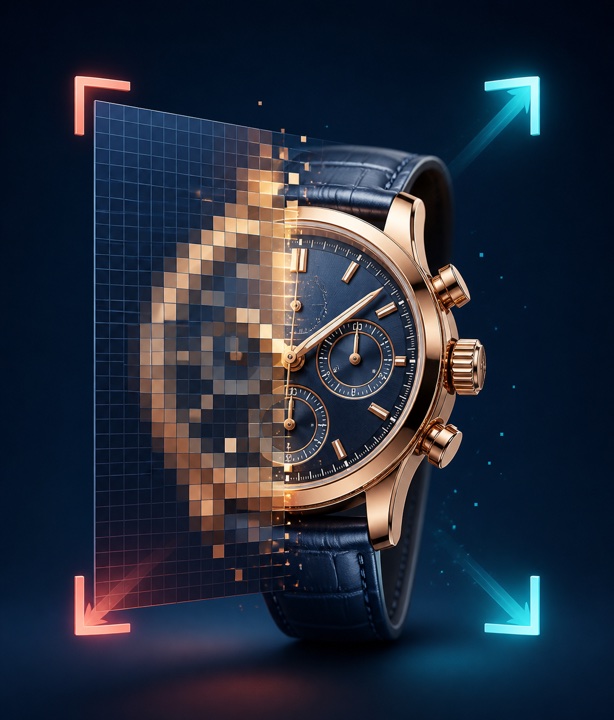
Photo editor
Send us five photos.
We will run them the way we would run your whole catalog and send back exactly what came out — before you decide anything.