 Shoupapp
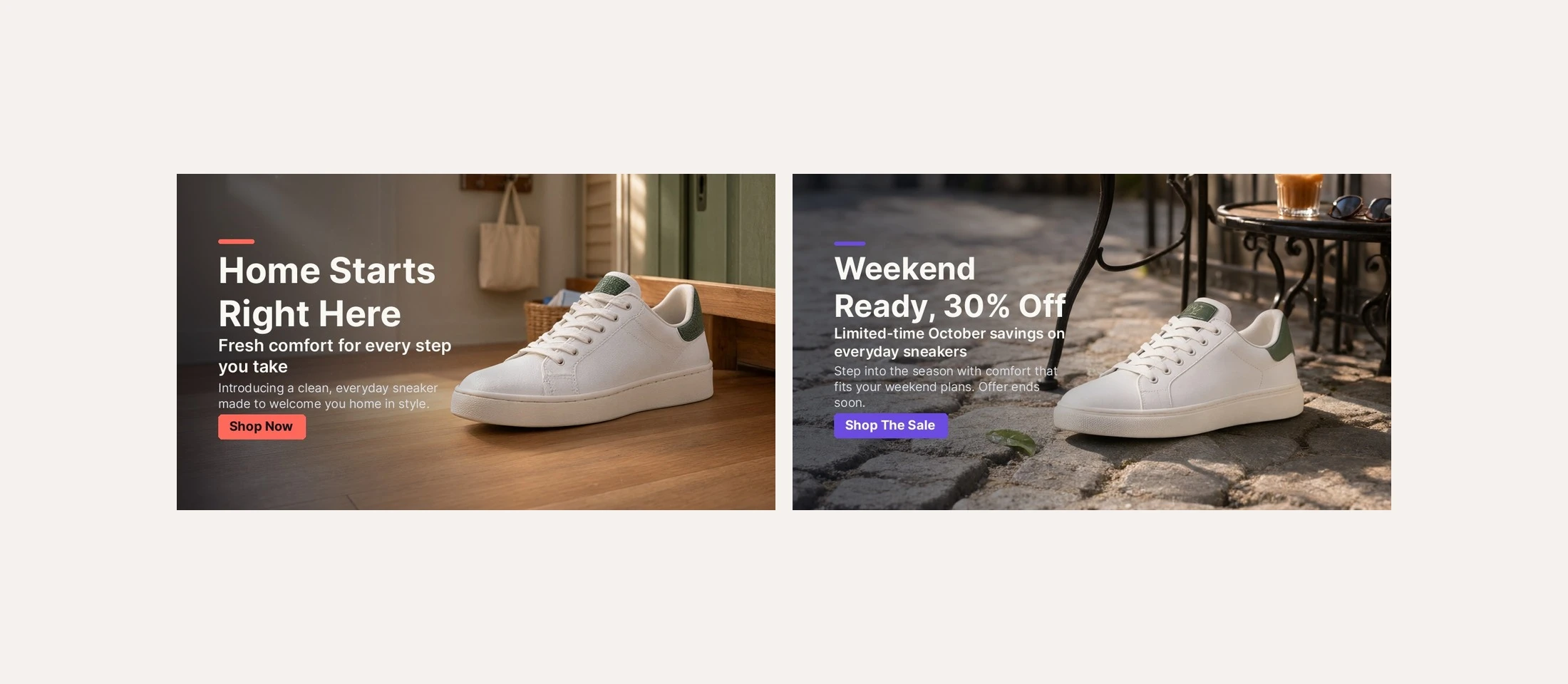
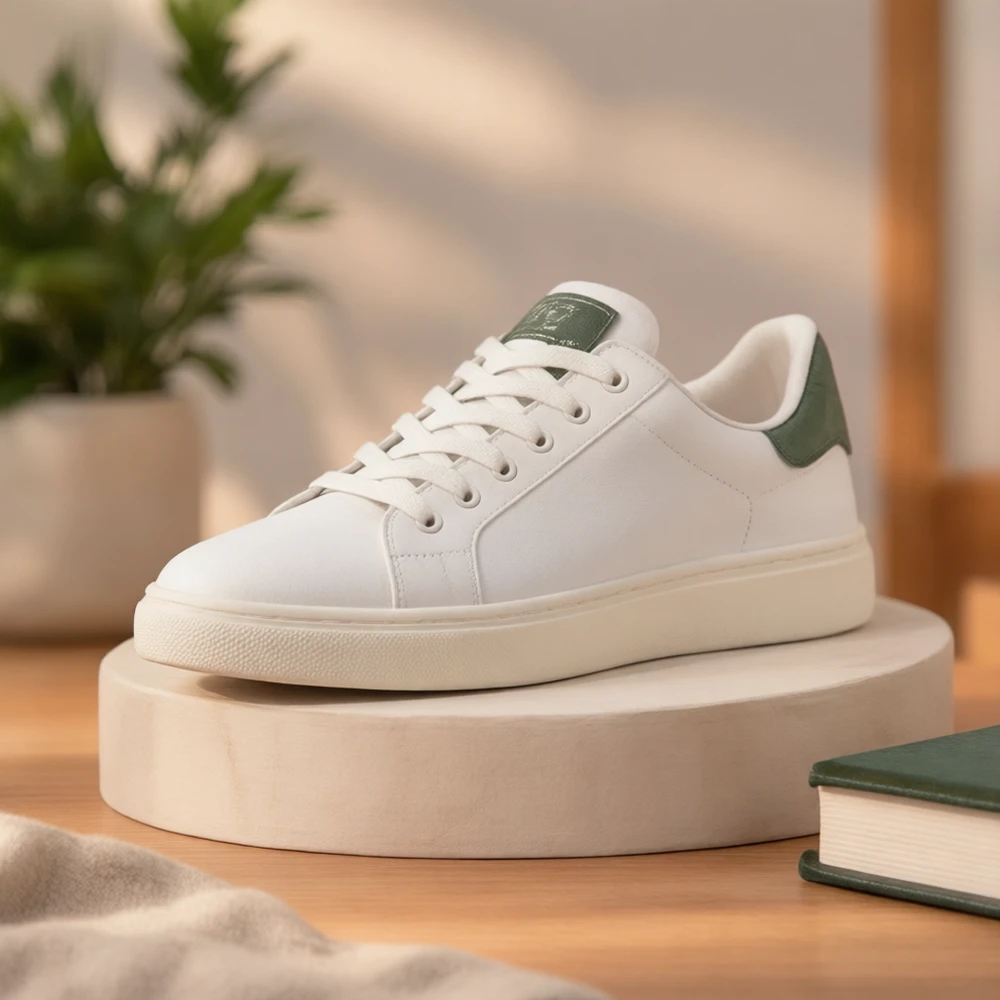
A homepage needs more than one banner. The hero at the top carries the main message, and a carousel needs two to four slides that look like one set, each with its own headline, line of copy and button. Writing and designing those for every campaign is where most of the time goes. We took one product photo of a white sneaker and asked the AI product banner maker for two slides: a launch and a sale. Below is what we typed, what came back and how to turn it into a carousel.
Hero banner or carousel slide: what each one needs
Pick the format by where the banner sits on the page:
| Placement | Format | Its job |
|---|---|---|
| Homepage hero | Website hero 16:9 or wide 2:1 | One main message for the season or the launch |
| Carousel slides | The same format on every slide | One message per slide, in one visual style |
| Category or promo strip | Slim 3:1 | A short line and a button |
| Social posts and stories | Square 1:1 or vertical 9:16 | The same campaign outside your site |
From a short brief to finished banner copy
Every field can be typed by you or left empty. Empty fields are written for you, in the campaign language you choose. These are the two briefs and what came back:
| Field | Slide 1 | Slide 2 |
|---|---|---|
| Goal | Launch a product | Promote a sale |
| Style | Choose for me | Bold |
| Note from the merchant | None | One rough line about 30% off until the end of October |
| Headline | Home Starts Right Here | Weekend Ready, 30% Off |
| Subheadline | Fresh comfort for every step you take | Limited-time October savings on everyday sneakers |
| Supporting text | Introducing a clean, everyday sneaker made to welcome you home in style. | Step into the season with comfort that fits your weekend plans. Offer ends soon. |
| Button | Shop Now, coral | Shop The Sale, violet |

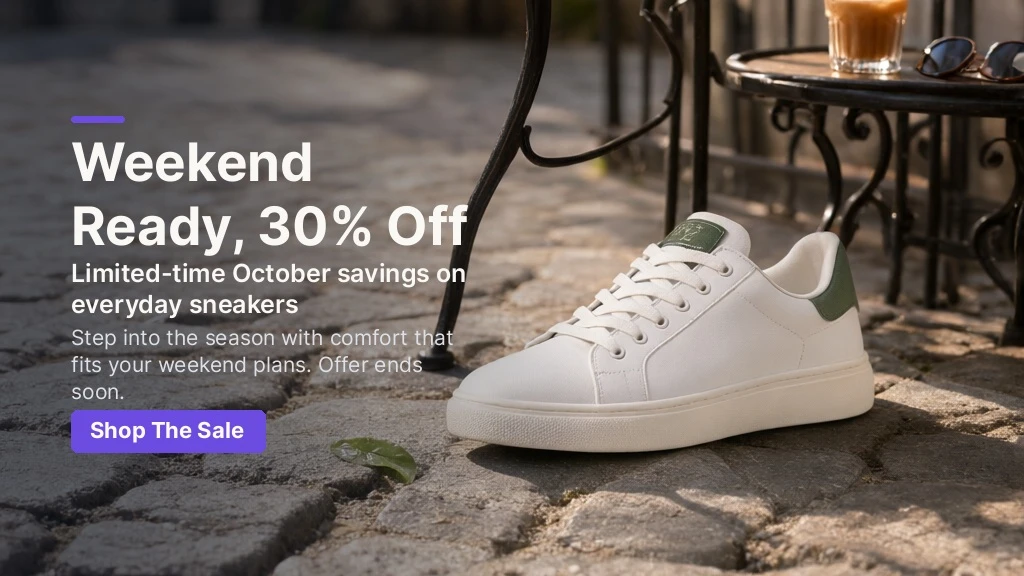
The note on slide 2 was a single line typed in a hurry. The offer and the month came through into the headline and the subheadline, and the button changed from Shop Now to Shop The Sale to match the goal.
Why the text is real type, not part of the image
The scene is made first, with no text in it, and the copy is then set on top as real lettering. That choice has three practical results:
- Every word is spelled exactly. Prices, percentages and dates appear as written, which generated lettering cannot promise.
- The text has room. The product is placed on one side and the other side is kept clear and calm for the copy.
- The button is yours to set. Pick its color, or turn the button off for a banner with no call to action. The label color is chosen for contrast.
Building a carousel that reads as one set
- One format. Every slide in the same ratio, so the carousel does not jump in height.
- One style. Keep the same style choice, or let the first slide set it and repeat it.
- One message per slide. Launch, benefit and offer are three slides, not three lines on one.
- Change the scene, not the product. The same photo in different settings keeps the set recognizable.
- A clear order. Open with the launch or the season, end with the offer.
- Short copy. A headline of up to 60 characters and a button of up to 30 still read on a phone.
A banner copy checklist
- Check numbers, prices and dates against the real offer.
- Read the headline out loud. It should make sense without the image.
- Keep one button per slide, with a verb on it.
- Look at the banner at phone width and check that the text stays readable.
- Make sure the product is not covered by the text.
Exact pixel sizes per placement are listed in e-commerce banner sizes.
Make a hero banner from your own photo
Start from one clean product photo, choose a goal and a format, and leave the copy empty or type your own. The AI product banner maker builds the scene and sets the text. For social posts from the same photo, use AI product photos. Your originals are never overwritten. Costs are on the pricing page and every tool is on the products page. Try it on the product you are launching next: see it on your catalog.
Hero banner questions
Can I make a hero banner from one product photo?
Yes. Upload the photo, choose a goal and a format such as 16:9, and the scene and copy are made around the product.
Who writes the banner text?
You can type each line yourself. Any field you leave empty is written for you in the campaign language you pick.
How many slides should a carousel have?
Two to four is a common range. Each slide should carry one message in the same format and style.